Self-hosting a font means putting the file on your own server and pointing your CSS at it, instead of linking to somebody else’s. It used to be the slower option. It is not any more, and the reason is worth understanding before you copy the code.
Why the old advice reversed
The argument for a font CDN was caching: if enough sites loaded the same file from the same address, a visitor would already have it. Browsers ended that in 2020 by partitioning their caches per site. A font fetched from Google Fonts on one site is downloaded again on the next, because the cache entries are now kept separately.
So the shared-cache benefit is gone, and what remains is a DNS lookup, a TLS handshake and a round trip to a second server before the font even starts downloading. Serving the file from your own domain skips all three. There is also a privacy dimension — in 2022 a German court fined a site operator for passing visitors’ IP addresses to Google Fonts without consent — which is a separate reason with the same conclusion.
Step one: get the right file
You want a WOFF2. Every font page on this site has a button for it — the file is the complete font repacked for the web, roughly 60% smaller than the .ttf, and read by every browser still receiving updates. If you already have a TTF or an OTF from somewhere else, convert it here; it runs in your browser and the file is not uploaded anywhere.
Step two: the CSS
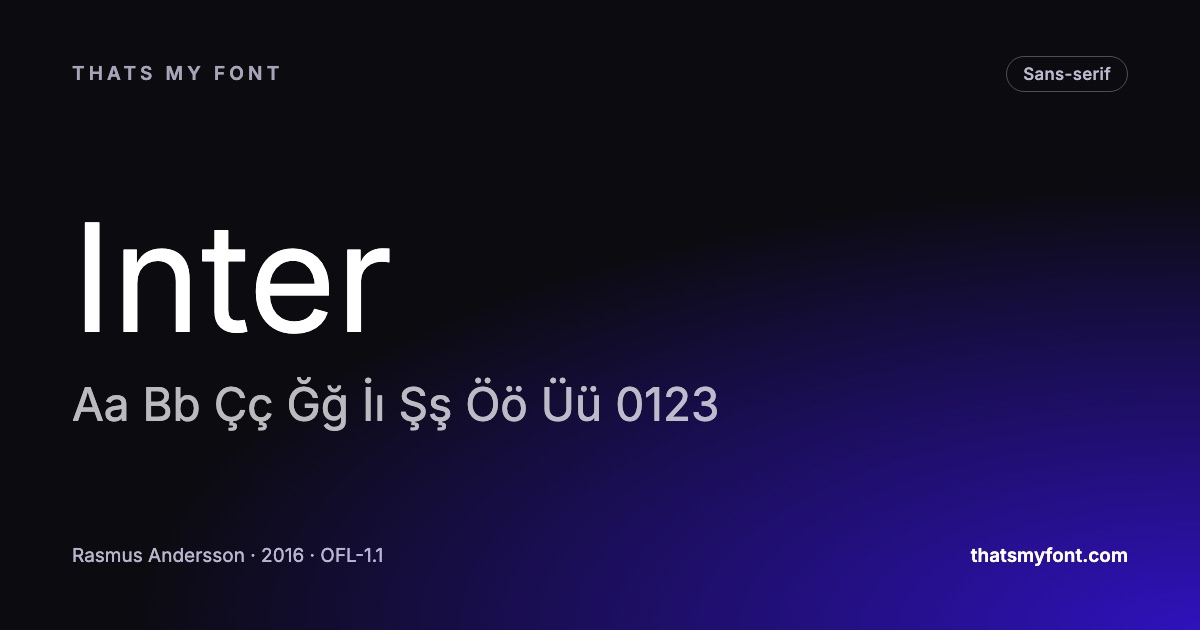
Put the file somewhere your site serves static assets from, then declare it. Every font page here generates this snippet with the right family name and weight range already filled in — see the "Use it on the web" section on Inter — but the shape of it is always the same:
font-family— the name you will refer to it by. It does not have to match the font’s real name, but life is easier when it does.src— the path to your file, withformat('woff2')after it.font-weight— a single number for a static font, or a range like100 900for a variable one. Getting this wrong on a variable font is the most common reason only one weight works.font-display: swap— show fallback text immediately and swap the real font in when it arrives.
Step three: stop the flash
Two settings decide what a visitor sees in the fraction of a second before the font arrives, and they trade off against each other.
font-display: swap shows the text in a fallback font straight away and swaps it. Nothing is invisible, but the layout shifts when the swap happens. font-display: optional gives the font a very short window and abandons it for that page view if it misses, so nothing ever shifts — good for body text, poor for a headline that has to be right.
The shift is smaller than people expect if you preload the file. A rel="preload" as="font" crossorigin link tag in the head starts the download at the same moment as the stylesheet rather than after it. Preload only the one or two files that are actually on the first screen; preloading everything makes the page slower, not faster.
What about the licence?
Every font on this site may be self-hosted, including on a commercial site — the SIL Open Font License explicitly allows bundling and serving. The one thing it forbids is selling the font file on its own. The licence file is inside every download, and keeping it with the font is the whole of what the licence asks of you.
A font bought from a commercial foundry is a different matter. Desktop licences frequently do not include web use at all, and web licences are often capped by monthly page views. That is worth reading before you upload the file, not after.
A checklist
- Download the WOFF2, not the zip, unless you need to install the font too.
- One file for a variable family; one per weight you actually use otherwise.
- Declare the weight range, not a single weight, for a variable font.
- Set font-display, and preload only what is above the fold.
- Keep the licence file with the font on your server.
- Delete any EOT, SVG or TTF fallbacks from old snippets — nothing requests them.
Where the files go, and how to serve them
Anywhere on your own domain is fine — a /fonts/ folder next to the stylesheet is the conventional place. What matters is not the path but the headers: a font never changes, so it should be cached for as long as your platform allows, and given a new name when you replace it.
- Same origin needs no CORS headers. A font served from your own domain simply works.
- A font on a separate CDN domain does need them: Access-Control-Allow-Origin, or the browser refuses to use the file and falls back silently.
- A preload link needs the crossorigin attribute even on your own domain. Without it the font is fetched twice.
- Serve WOFF2 and nothing else unless you have measured a real audience on browsers from before 2016.
Two files, not twelve
The most effective optimisation is deciding what not to serve. A variable file covers every weight the design uses; a second one covers the italics. Everything beyond those two is a weight somebody added to a design file once and nobody deleted.
If the family is not variable, pick the two or three weights the design actually uses and serve those. Four weights and their italics is eight files, most of which the reader will never see rendered.
The check that proves it worked
- Reload with the cache disabled and the network panel filtered to fonts.
- Confirm every request is to your own domain, and count them. Two is good; six is a design decision nobody took.
- Confirm the text is not rendering in the fallback: change the font-family to something absurd for a second and watch the page change. If nothing changes, your rule is not being applied.
- Throttle the connection and watch the first paint, so you know what a visitor on a phone sees rather than what you see on a fast machine.